Basic charting
All the basics, best practices and general advice, all in one place. If you’re a beginner charter, this page will help you with putting together a great first chart!
The Basics
File Components of a Chart
- The song file: an
.oggor.mp3file, that you’ve exported in the Exporting with Audacity step. - The album art: a
.jpgor.pngfile displayed as the cover image in-game. - The chart itself: an
.srtbfile, known as Spin Rhythm Track Bundle. It contains all note, timing and related assets data.
The file tree below shows where to locate and place all the components:
DirectoryC:\Users[USER]\AppData\LocalLow\Super Spin Digital\Spin Rhythm XD\Custom
DirectoryAlbumArt ← put your album art covers here!
- cover.png
- cover.jpg
DirectoryAudioClips ← put your exported audio files here!
- song.ogg
- song.mp3
DirectoryAutosave
- Example.srtb ← created every time you edit the chart
DirectoryPrevious Saves
- Example.srtb ← created every time you save the chart
- Example.srtb ← the chart file itself
- BACKUP_Example.zip ← a bundled export that contains all the files needed to upload the chart to SpinShare
Note Types
Taps, matches and spins
| Tap note | |
|---|---|
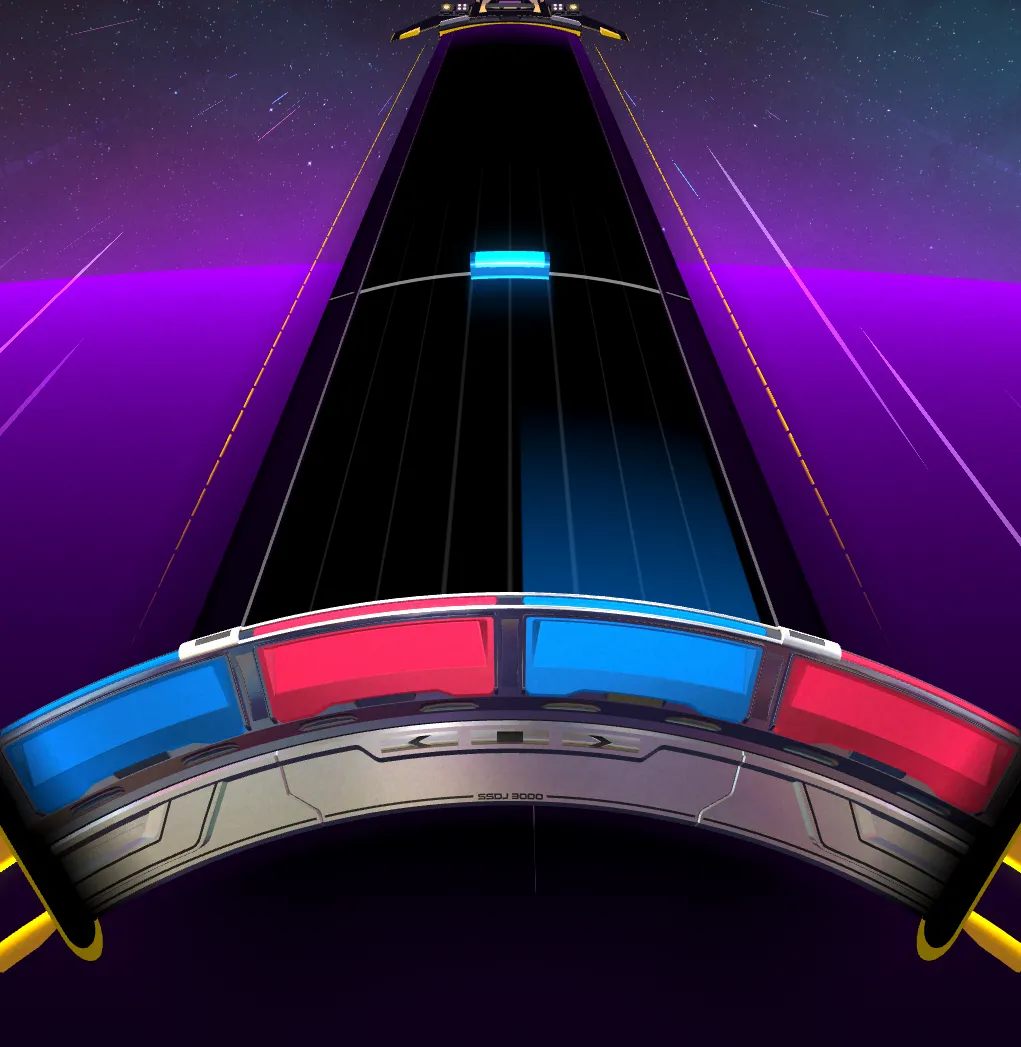 | Requires a timed tap/grab wheel input by all playstyles and the wheel to be aligned with the proper color of the note. |
| Match note | |
|---|---|
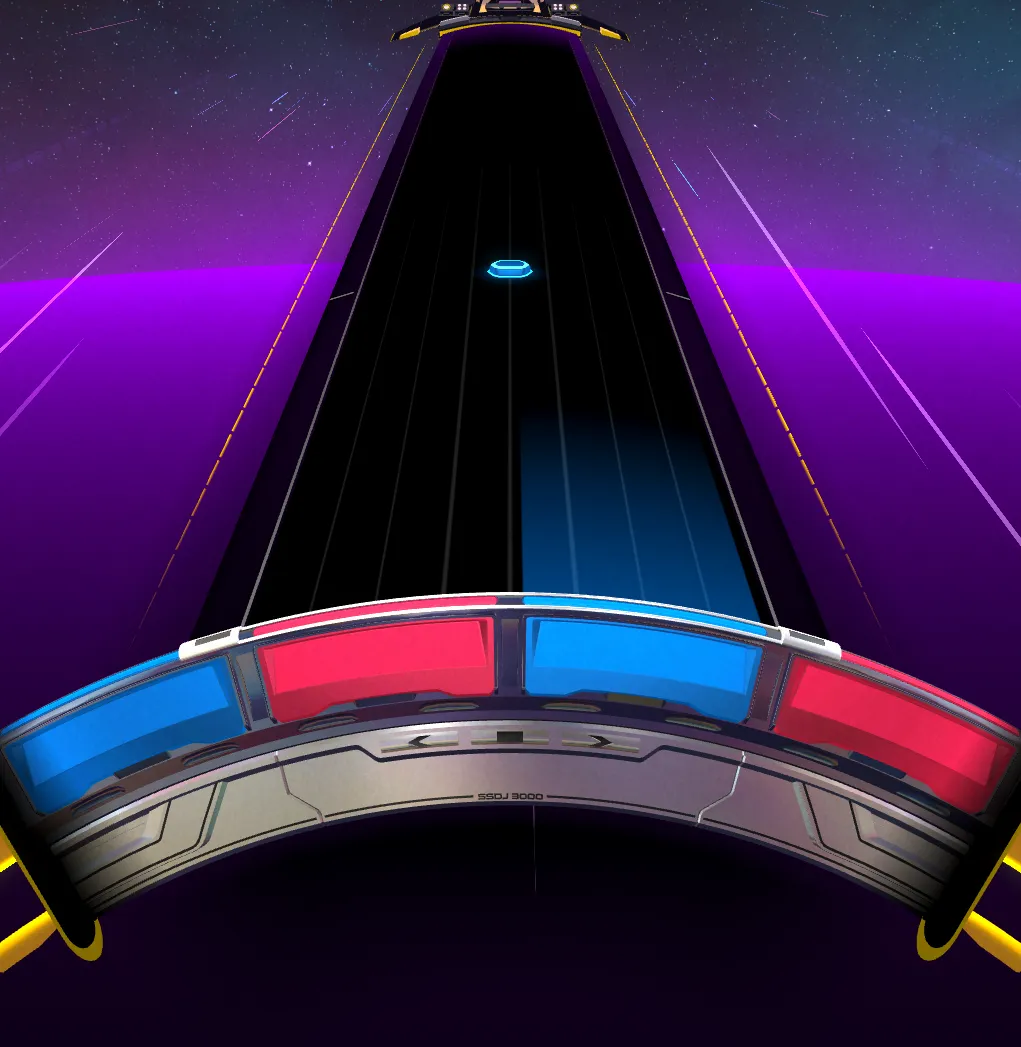 | Requires the wheel to be aligned with the proper color of the note. |
| Spins | |
|---|---|
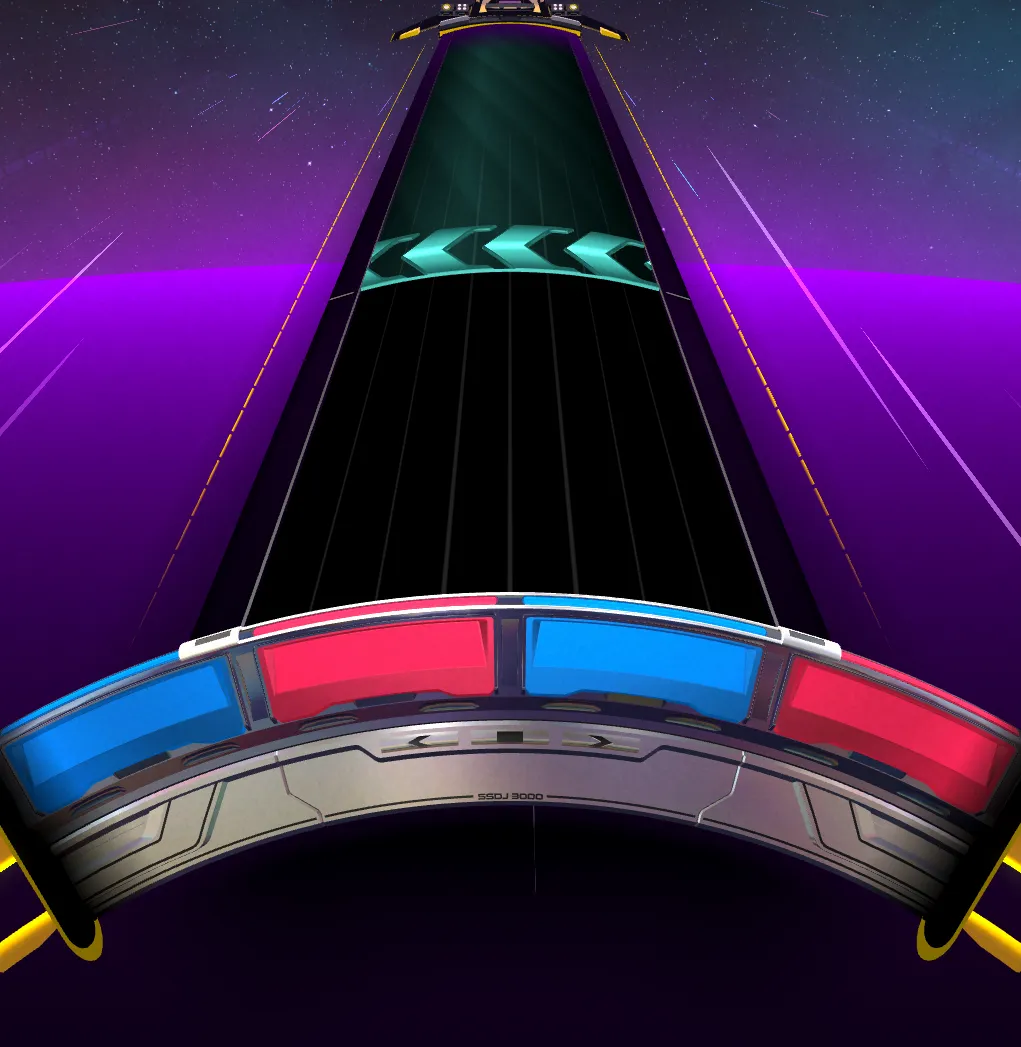 | Requires a quick flick, or press of the associated keybind, in the indicated direction within the hit window. |
Taps, matches and spins are the basis of Spin Rhythm XD. Introduced straight away from the Easy difficulty, they represent the main elements that define the pacing, movement and emphasis of the chart.
Taps usually follow the emphasized instrument/lead (or vocals), and their placement can really show the difference between a good and a great chart.
Matches serve as movement enablers between the taps, leading to a more unique feel of pitch among VSRGs, as well as the role of a “supporting” note to represent underlying instruments/samples, like hi-hats, in a song.
Spins notes dictate the pacing of surrounding patterns, but also serve as a “resetter” note that helps the player find themselves back in a neutral position when initiating movement in a new pattern.
Perhaps the best explanation of what a spin is meant to achieve comes from none other than one of the SRXD developers themselves, Daverwob.
As the difficulty rating and type increases, so does their frequency and usage, as well as the rate of color swapping introduced between them all, creating an intense yet rich with flow sequence of actions.
Scratches and Sliders
| Scratch zone | |
|---|---|
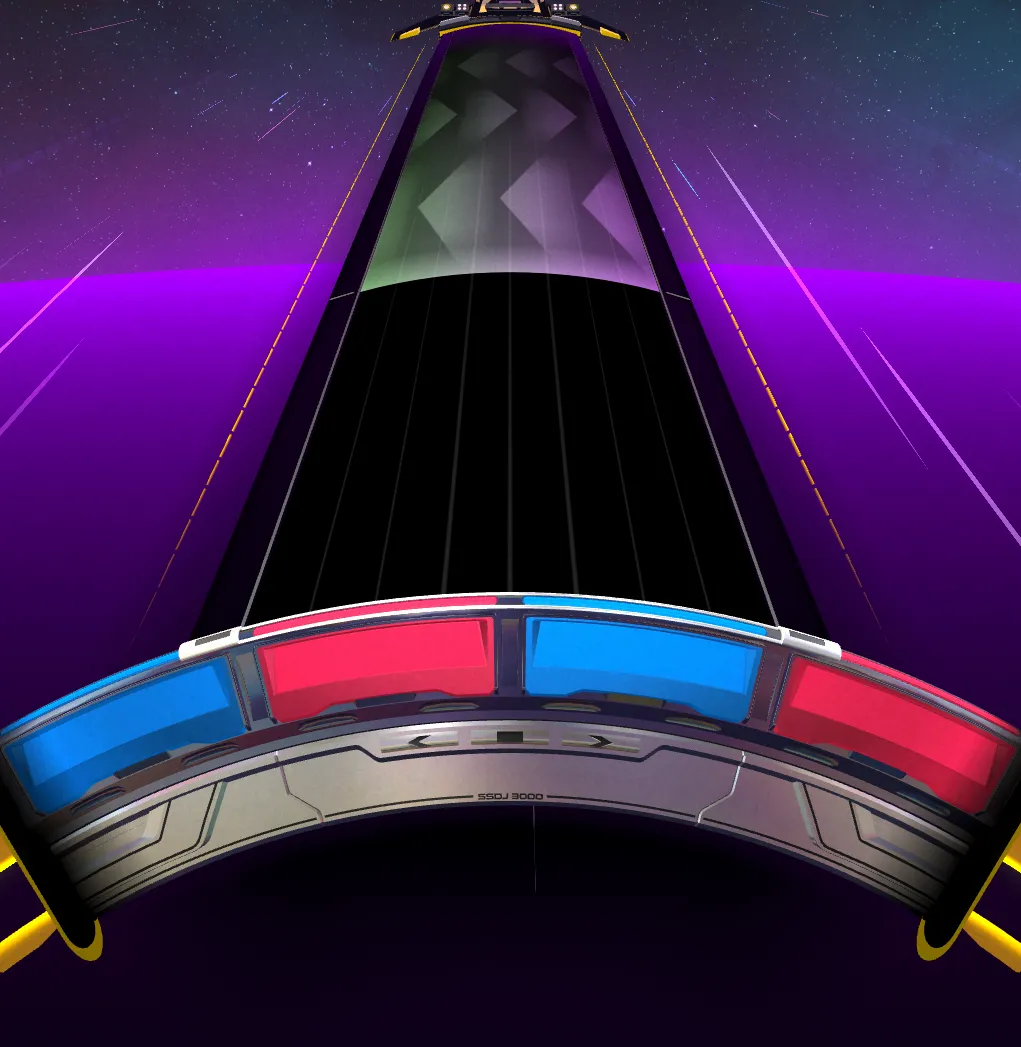 | Requires to maintain a minimum amount of movements of the wheel performed over its’ duration. |
| Slider/Hold note | |
|---|---|
 | Requires an initial timed tap/grab wheel input by all playstyles and to roughly follow the path with the currently active wedge. It is possible to re-grab a slider by tapping again or correcting the wedge position back in place. |
Scratch zones and Sliders, introduced in Normal difficulty, are powerful and versatile note types.
Both are great for representing sustained sounds, and their usage can be determined by the volume or intensity of the sound they’re charted to.
Sliders, in particular, are possibly the most versatile note type when it comes to song representation. The combination of different shapes and extra tricks one can perform to better represent a particular sound or sample, down to the individual bass wobble or vocal vibrato, make it visually very powerful.
Releases and Beats
| Slider release/Lift-off | |
|---|---|
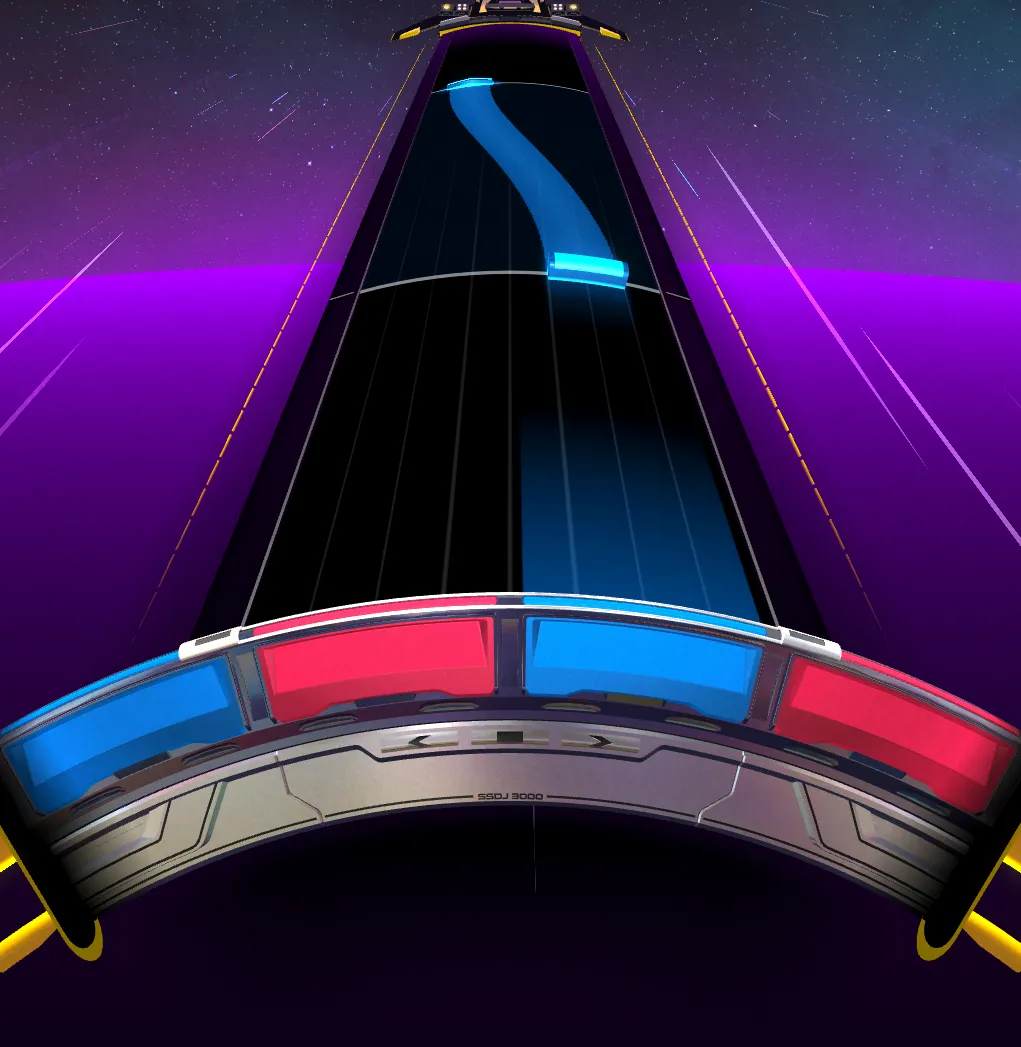 | Requires to release the tap/grab wheel input at the end of a slider on all playstyles. It uses a different, more lenient, timing window. |
| Beat | |
|---|---|
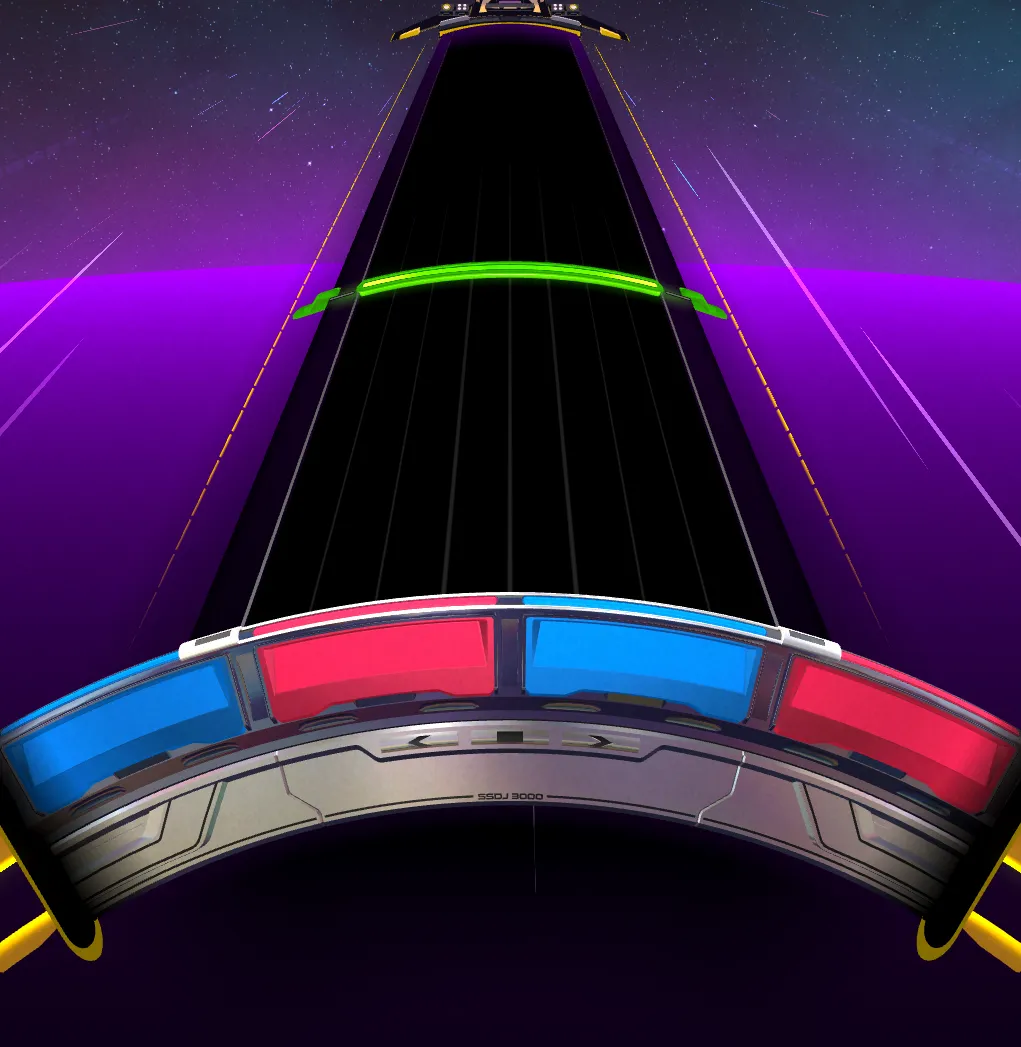 | An independent note type. Requires a separate timed input on all playstyles with a dedicated keybind. |
Slider releases (also widely referred to as “Lift-offs” by the community) and Beats, introduced in the Hard difficulty and used more extensively in Expert onwards, are the last unique note types introduced in the difficulty progression.
Both can be pretty versatile as to which kind of sounds they’re associated to. While Slider releases and Beats are usually associated with sounds with a sharp ending and percussion respectively, it is possible to mix up their usage in fun ways to really enrich some patterns.
For example, Beats can work nicely during a piano solo section when paired with a Tap to simulate the feel of playing a chord on the actual instrument.
Beatholds and Beathold Releases
| Beathold | |
|---|---|
 | A sustained version equivalent of the Beat note. Requires to hold down the associated keybind for Beats on all playstyles for its’ duration. |
| Beathold Release | |
|---|---|
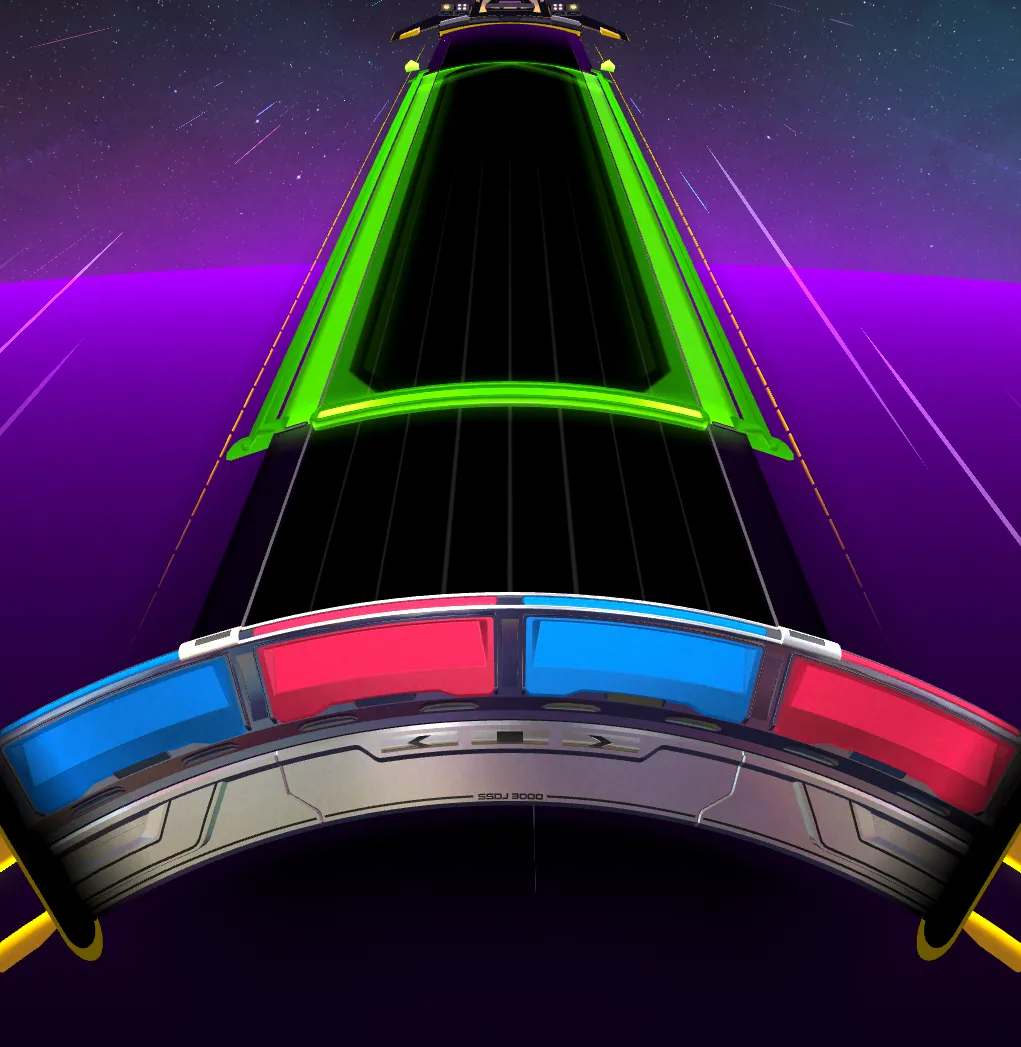 | An equivalent to Slider Releases/Lift-offs for Beatholds. Requires to let go of the associated keybind on all playstyles at the right time, with a similarly more lenient timing window. |
Beatholds and Beathold Releases, introduced in the XD difficulty, are the true last note types introduced in the difficulty progression.
They serve a similar function and purpose to Beats and Slider Releases, combined into “one” note, providing similar versatility in terms of layering on top of other wheel notes.
Note Usage
Charting Notation
The track is split into lanes, which are conventionally numbered 0-6, from left to right. 0 and 6 are the very edges, but 90% of notes will be on lanes 1 and 5. These two lanes are opposite to each other. This means that if you mirror a note on lane 1 (by pressing M with it selected), it will go to lane 5. Match notes very often spill into lanes 2, 3, and 4. As for sliders, it’s quite common in XD difficulty for slider points to reach for lanes 0 and 6, which we call “wide sliders”.
Note Alignment
Note alignment is a relatively simple but crucial topic. When we talk about alignment, we’re referring to the left-right positioning of notes, and how each one aligns with the notes that come before and after it.
Taps and Matches
These two are besties. They’re almost always together through your chart, and they’re really good at creating fun patterns. To make sure your chart is compatible with all playstyles, there’s a few things we have to pay attention to.
1. Matches behind taps When you have a long sequence of match notes (often called a “matchstream”), you can basically do whatever you want. But, once it’s time to place a tap, there must be no movement between the tap and the match preceding it. This means that, if the match and tap are the same color, the match should be directly behind the tap. If they’re different colors, they should be on opposite lanes (that’s a color swap!).
Here are some examples: (insert examples here teehee)
2. No movement after lift-off While not the official name, charters often call the release notes at the end of sliders “lift-offs”. Something similar to the first rule happens here. There should be no movement between a lift-off and the next note. (more shit left to write)
Following these guidelines ensures that all playstyles have a fair chance at hitting your patterns. Why some playstyles have difficulty hitting some patterns? That will be discussed in the next section.
How Playstyles Affect Charting
Differences of Difficulties
Understand the Music You Chart
me when the Slider