基本圖表
All the basics, best practices and general advice, all in one place. If you’re a beginner charter, this page will help you with putting together a great first chart!
The Basics
File components of a chart
- The song file: an
.oggor.mp3file, that you’ve exported in the Exporting with Audacity step. - The album art: a
.jpgor.pngfile displayed as the cover image in-game. - The chart itself: an
.srtbfile, known as Spin Rhythm Track Bundle. It contains all note, timing and related assets data.
The file tree below shows where to locate and place all the components:
目錄C:\Users[USER]\AppData\LocalLow\Super Spin Digital\Spin Rhythm XD\Custom
目錄AlbumArt ← put your album art covers here!
- cover.png
- cover.jpg
目錄AudioClips ← put your exported audio files here!
- song.ogg
- song.mp3
目錄Autosave
- Example.srtb ← created every time you edit the chart
目錄Previous Saves
- Example.srtb ← created every time you save the chart
- Example.srtb ← the chart file itself
- BACKUP_Example.zip ← a bundled export that contains all the files needed to upload the chart to SpinShare
Note types
| Tap note | Match note | Spin left | Spin right |
|---|---|---|---|
 |  |  | 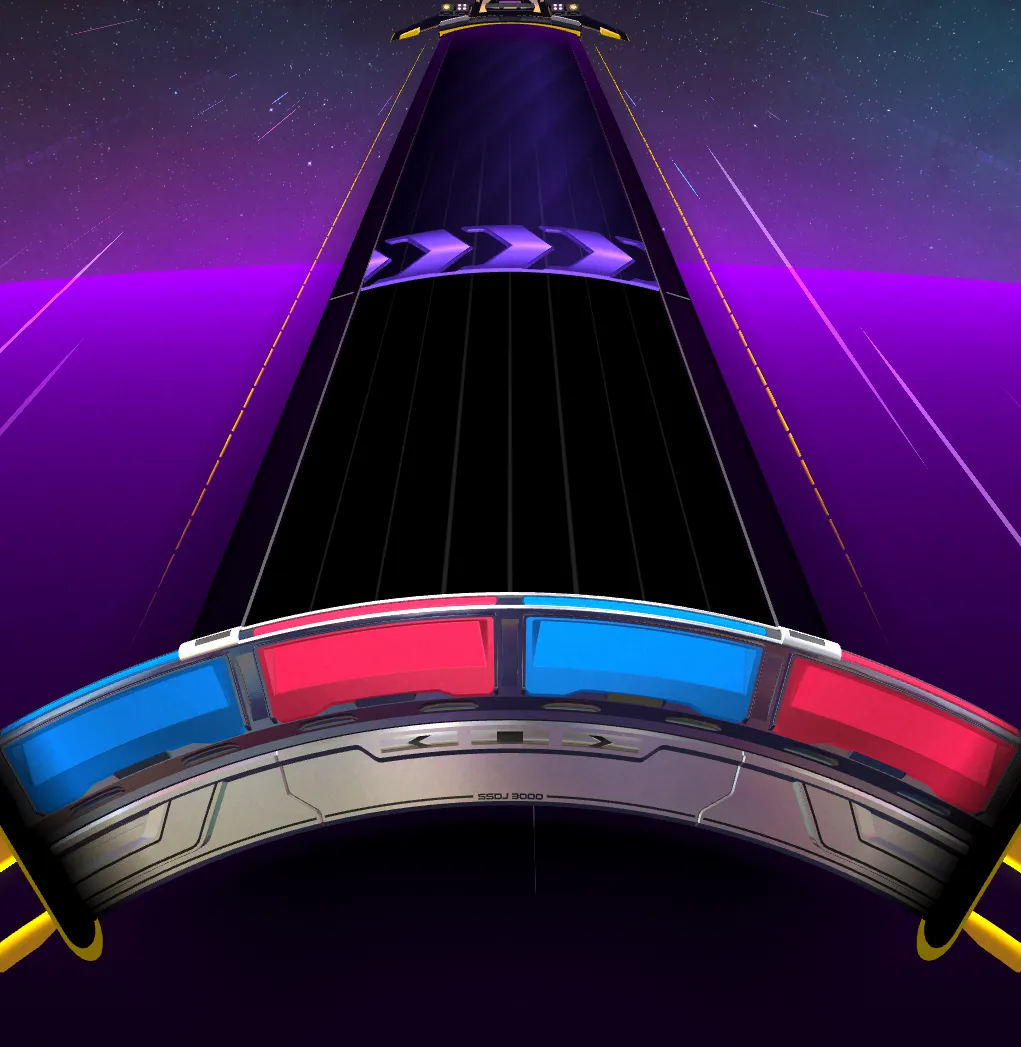 |
| Requires a timed wheel input by all playstyles and for the wheel to be lined up | Requires only the wheel to be lined up | Requires a quick flick to the left | Requires a quick flick to the left |